Sarah asked:
Sarah asked:

This can be achieved by adding one extra step to what you have already done.
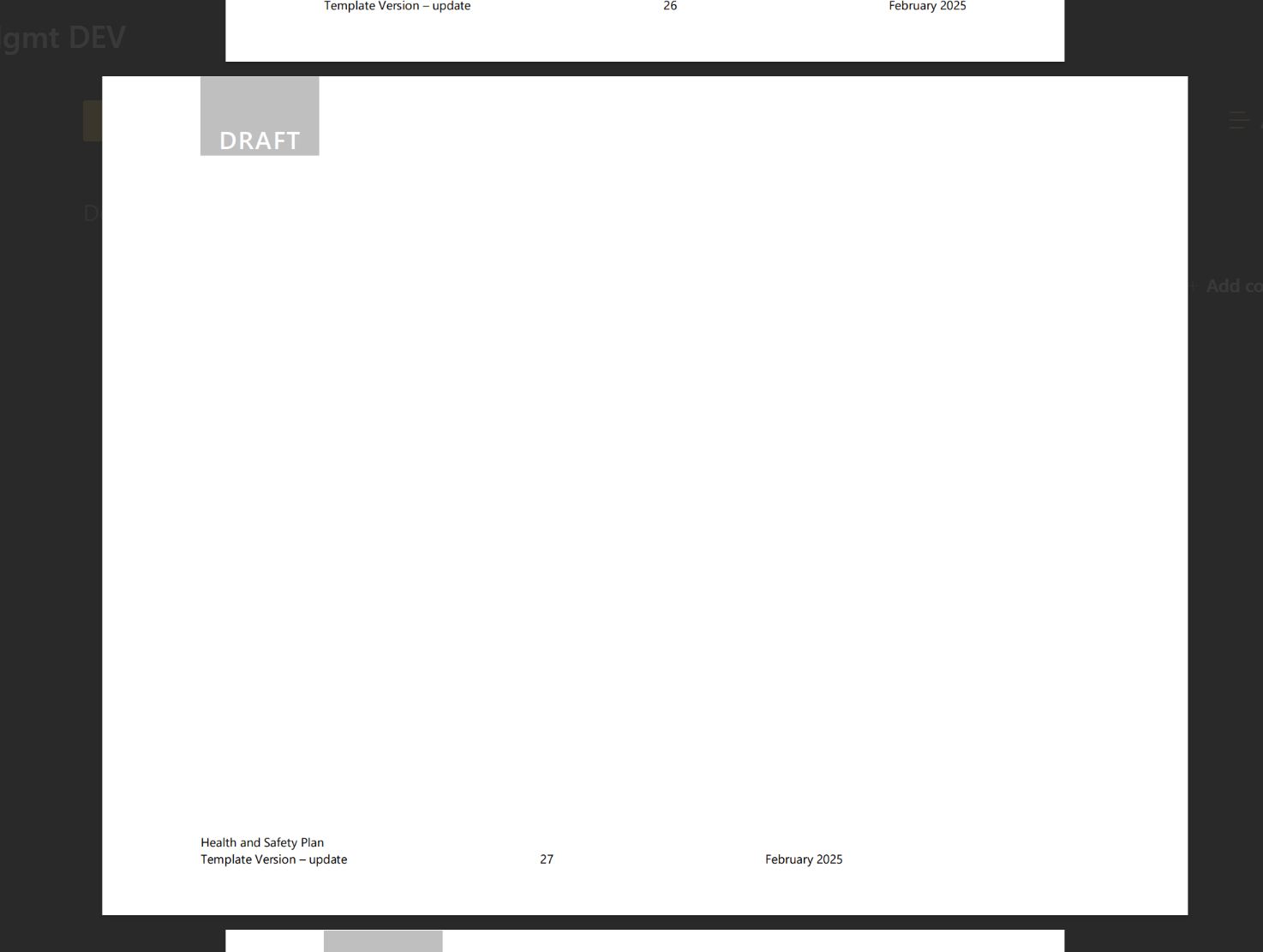
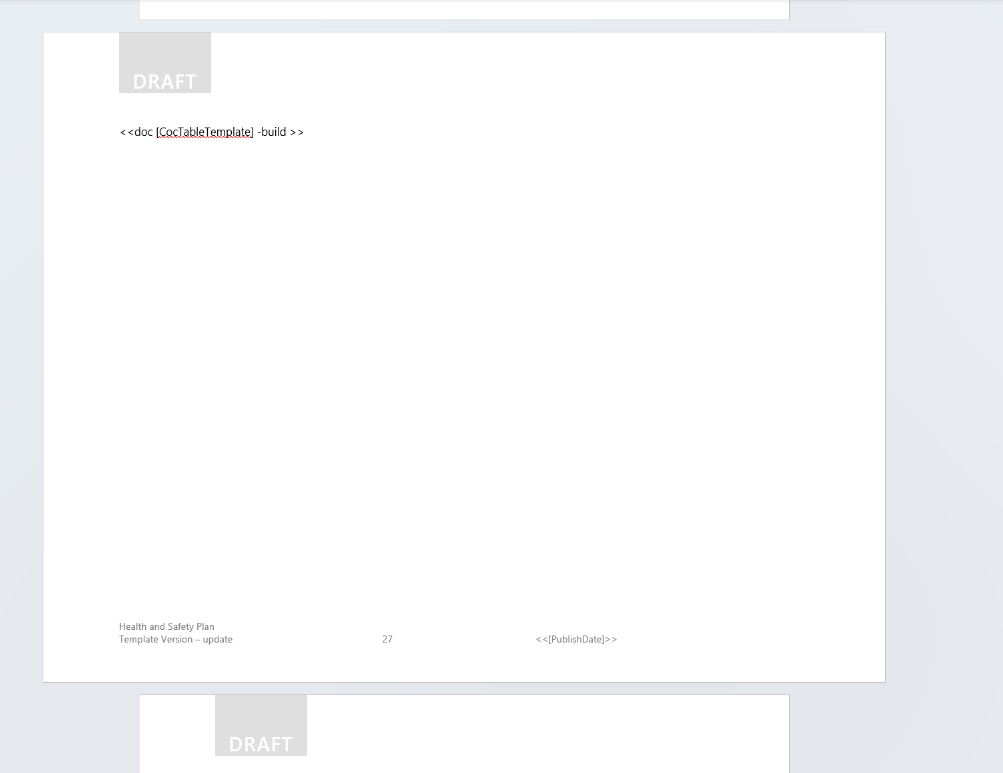
Within the template you have inserted a landscape page where you want the document inserted.
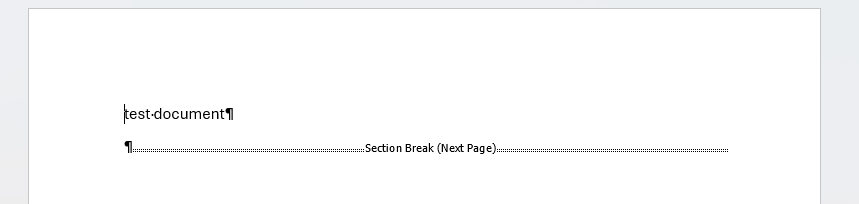
In order to have done this; word required you to add some additional 'Section break' formatting into the document. You would be able to see these if you turned on this feature in word
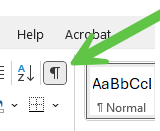
within the document they look like this
Populate word is designed to obey any formatting on the template in this case it will obey the section break and print your landscape document on the landscape page you have created. Which is why you get the page even if there is no document to display.
Within populate word you can also wrap anything in the template in a conditional expression ; this includes page formatting.
Placing an If statement before the section break

And closing it off on the page after your landscape page (effectively after the second section break where you are changing the page orientation back)

Means the section breaks (and inserted landscape page) will only be required if there is a document to insert.
If when there is no document to insert you still want to keep a break between the content on the first page and the content on the following pages you may have to add some extra formatting to the document i.e 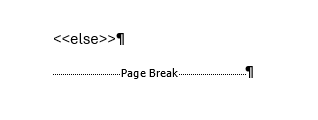
but this will depend on the existing formatting within the document and what behaviour you require.