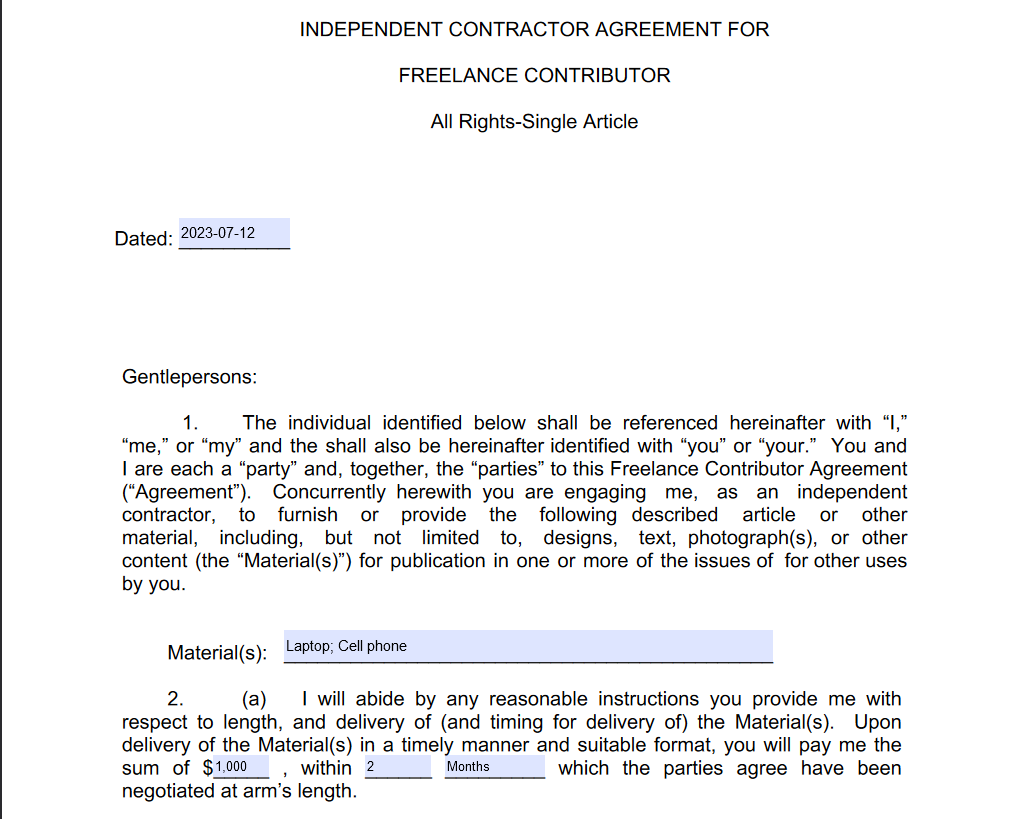
I have a PDF with fillable fields that an individual will input data into a Microsoft Form and Power Automate will fill in the fields on the PDF with the applicable data. This is working fine. The PDF is then to be sent to a contract employee who will sign and fill in a few additional fields.
My trouble is I don't see a way I can flatten specific fields so the fields I fill in before sending to the contract employee are non-fillable, but the remaining fillable fields remain fillable for the contract employee. It seems flattening is an all or nothing concept.
I would like those to then be flattened so the person who receives the contract will not be able to modify those fields. The fields on the second page would remain fillable so we could send to the contract individual to sign, fill in their name and address, and have our client countersign to complete the process.