Hi!
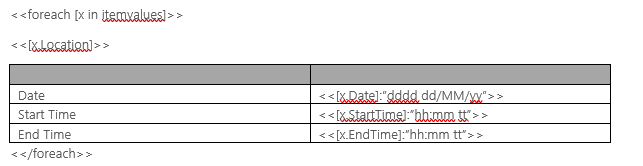
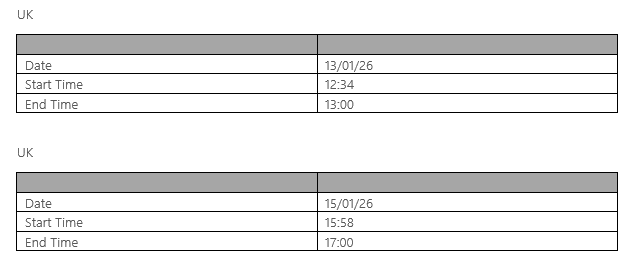
I'd like to populate a Word document that contains zero to more tables according to data provided in Word - Populate:
Data structure in Word-Populate looks as follows (currently hard coded for testing purposes, in production this data will be dynamic):
{"kursstart": "@{triggerOutputs()?['body/sit_startdatum']}","kursende": "@{triggerOutputs()?['body/sit_enddatum']}","kurse": [{"kursname": "Kurs1","kurstitel": "@{triggerOutputs()?['body/sit_name']}","inhalt": "inhalt 1"},{"kursname": "Kurs2","kurstitel": "@{triggerOutputs()?['body/sit_name']}","inhalt": "Inhalt 2"},{"kursname": "Kurs3","kurstitel": "@{triggerOutputs()?['body/sit_name']}","inhalt": "Inhalt 3"}]}
The Word Document looks as follows:
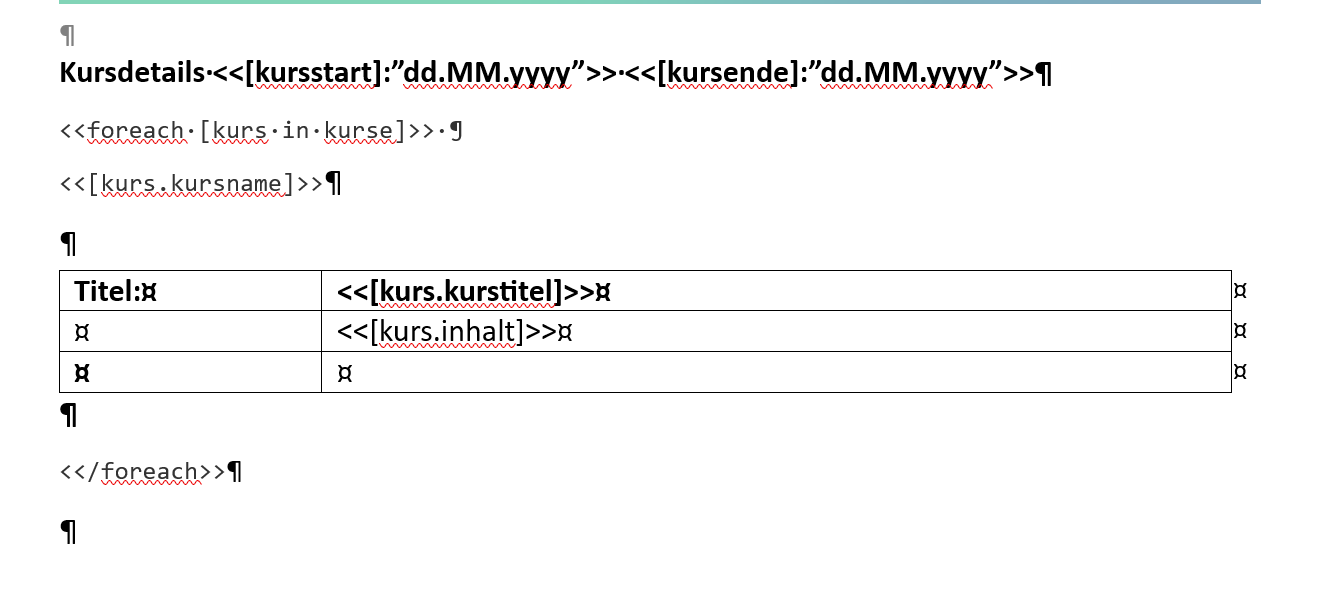
The final result looks as follows:
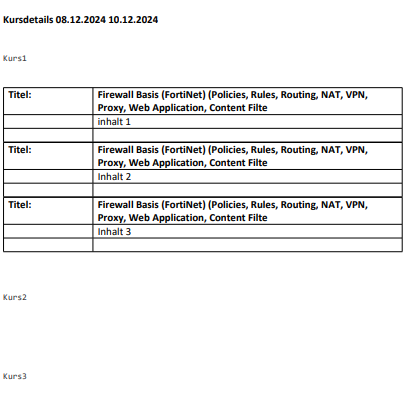
What I'd like to have is the following structure:
- Kurs1
-- Table with
---Row 1 with Title
---Row 2 with Inhalt 1
---Row 3 empty
- Kurs2
-- Table with
---Row 1 with Title
---Row 2 with Inhalt 2
---Row 3 empty
- Kurs3
-- Table with
---Row 1 with Title
---Row 2 with Inhalt 3
---Row 3 empty
Why is the Table rendered below Kurs1 but contains data from the objects in Kurs1, Kurs2 and Kurs3 and why are Kurs2 and Kurs3 rendered without tables?
What do I have to specify in the Word document that the tables are rendered correctly below every "kursname" (Kurs1, Kurs2, Kurs3)?
Thank you for your help and best regards
Daniel
What do I have to specify in the Word document that the tables are rendered correctly below every "kursname" (Kurs1, Kurs2, Kurs3)?
Thank you for your help and best regards
Daniel