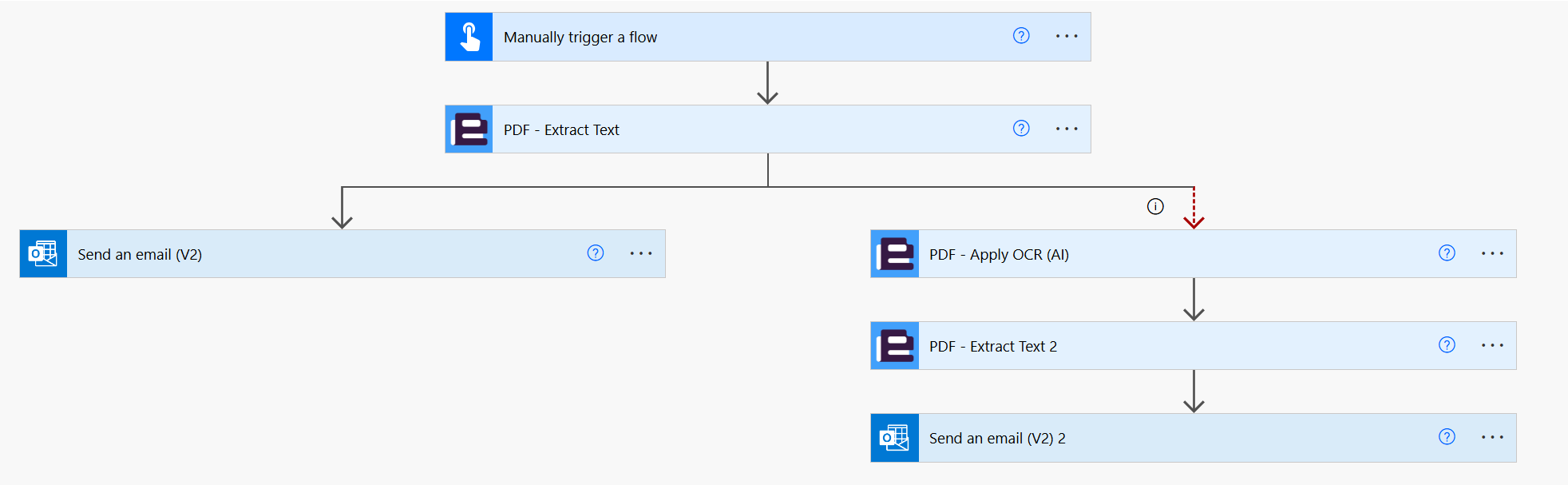
Hi,
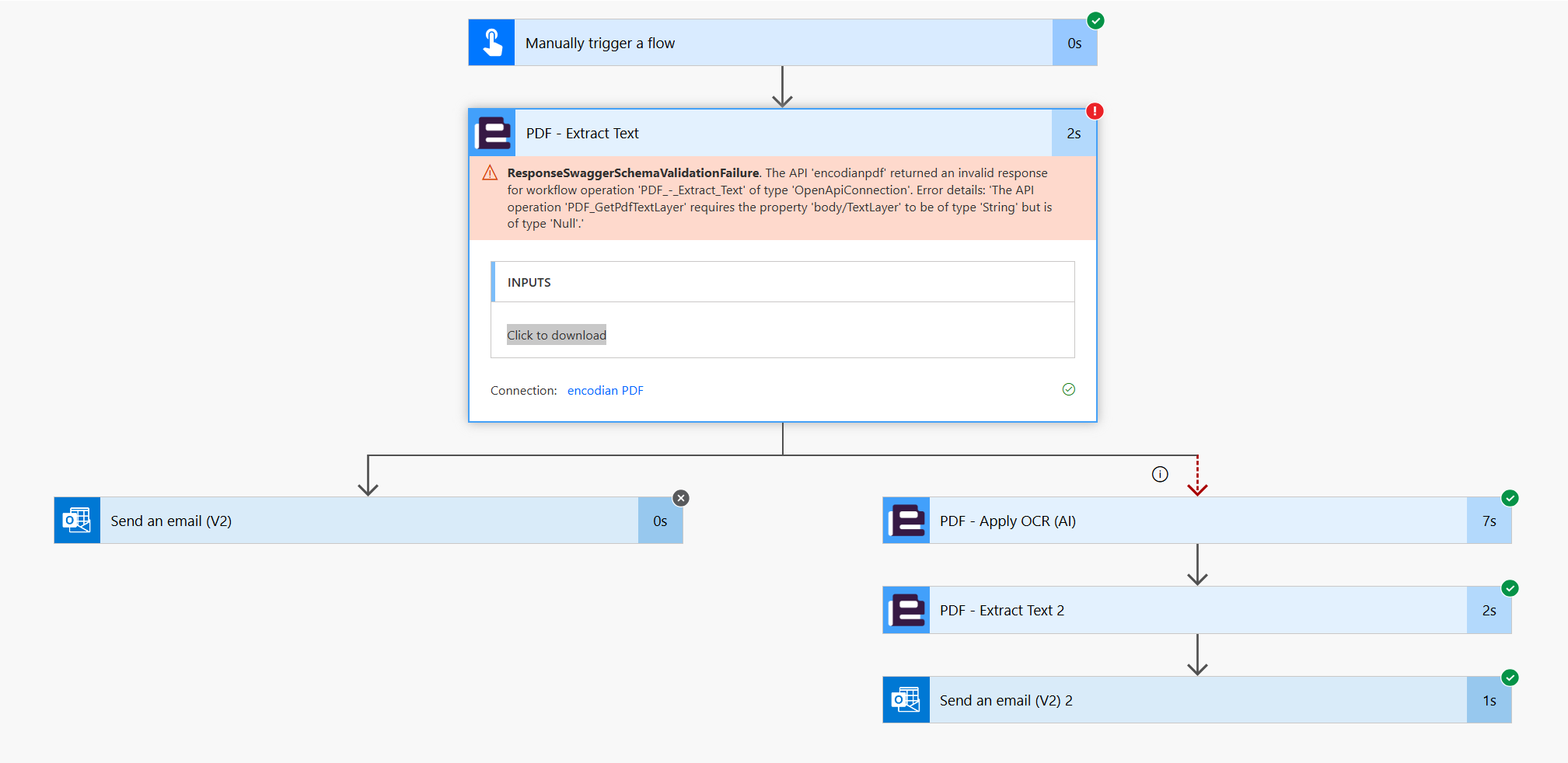
I've been using the extract Text Layer for a couple of months now with no issues, however today I have hit an issue with the following error:
ResponseSwaggerSchemaValidationFailure
The API 'encodianpdf' returned an invalid response for workflow operation 'PDF_-_Extract_Text' of type 'OpenApiConnection'. Error details: 'The API operation 'PDF_GetPdfTextLayer' requires the property 'body/TextLayer' to be of type 'String' but is of type 'Null'.'
Which suggests that the API couldn't process the PDF, but didn't fail gracefully as I can't see a way to capture this error and stop PA crashing.
Is there a way to capture or prevent this error or at least see why the PDF couldn't be processed? I have checked the document that caused the crash and it is readable.
Is there a way to capture or prevent this error or at least see why the PDF couldn't be processed? I have checked the document that caused the crash and it is readable.